

20 GB of encrypted cloud storage. Free.
VirtualDrive — the secure cloud storage and Virtual Drive for your files. AES-256 encrypted. No credit card. We never train AI on your files. Upgrade to 2 TB for $9.99/mo when you outgrow free.


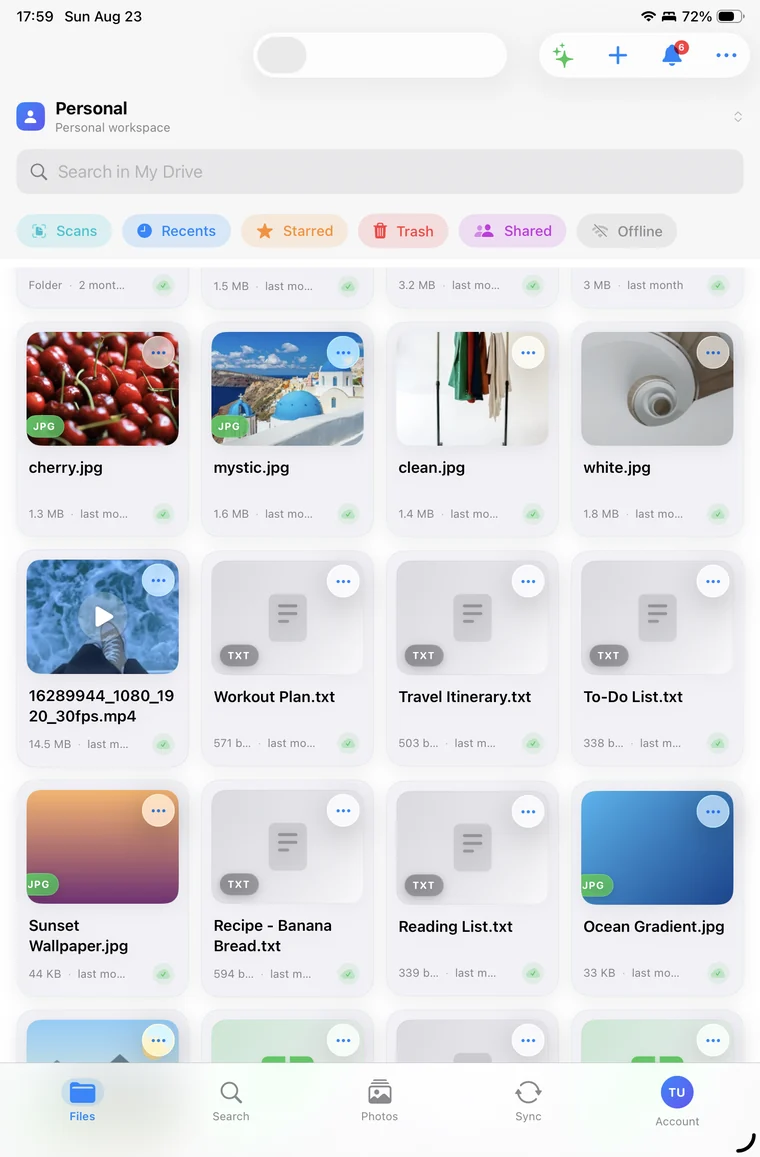
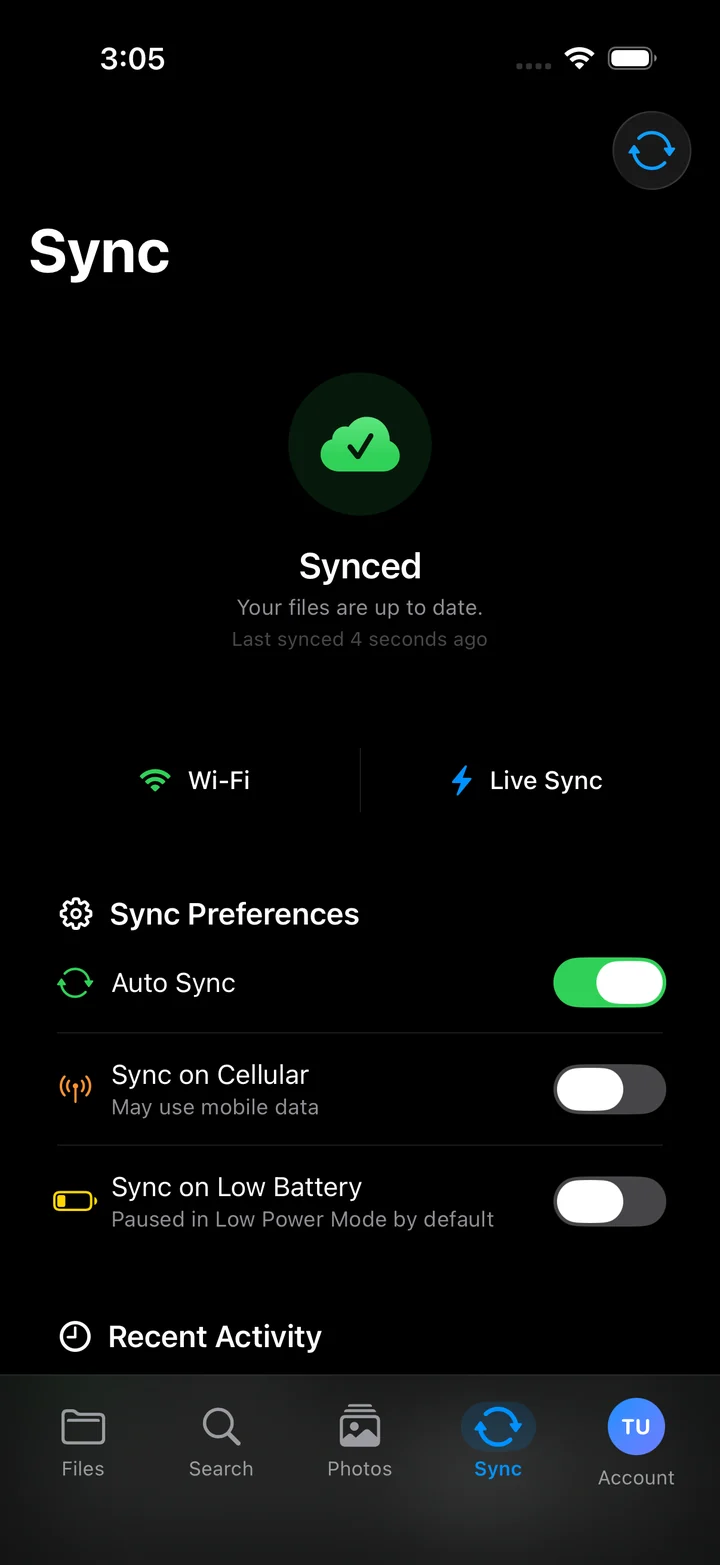
20 GB
Free, no card
256-bit
AES encryption
0
Files used to train AI
Built for the way
you actually work
Not just storage — a complete file management platform with the security and controls that modern teams demand.
Enterprise-grade security
Files are encrypted at rest with AES-256 and travel over TLS 1.2+. Access is protected by database-level access control and your account credentials.
Access from any device
Web, iOS, and Android — your files are always in sync no matter what device you're on.
Instant file sharing
Share files and folders with anyone via a secure link. Set permissions, expiry dates, and passwords.
Smart file management
Organize with nested folders, search across all files, star favourites, and recover anything from trash.
Blazing fast uploads
Chunked, resumable uploads mean large files transfer reliably even on slow connections.
Camera Backup
Photos and videos from your phone back up automatically in the background, on iPhone and Android.
Take your drive with you
Download the free VirtualDrive app and every file in your account is on your phone — plus automatic camera backup, so new photos are safe the moment you shoot them.
- Store, sync, and share across iPhone, iPad, and web
- Camera Backup for photos and videos, in the background
- Share folders as owner, editor, or viewer
- AES-256 encrypted. No ads, and we never train AI on your files.
- Home Screen widget: storage at a glance, recent files, one-tap Sync

Scan with your iPhone camera
Free · Requires iOS 17.0 or later · iPhone & iPad
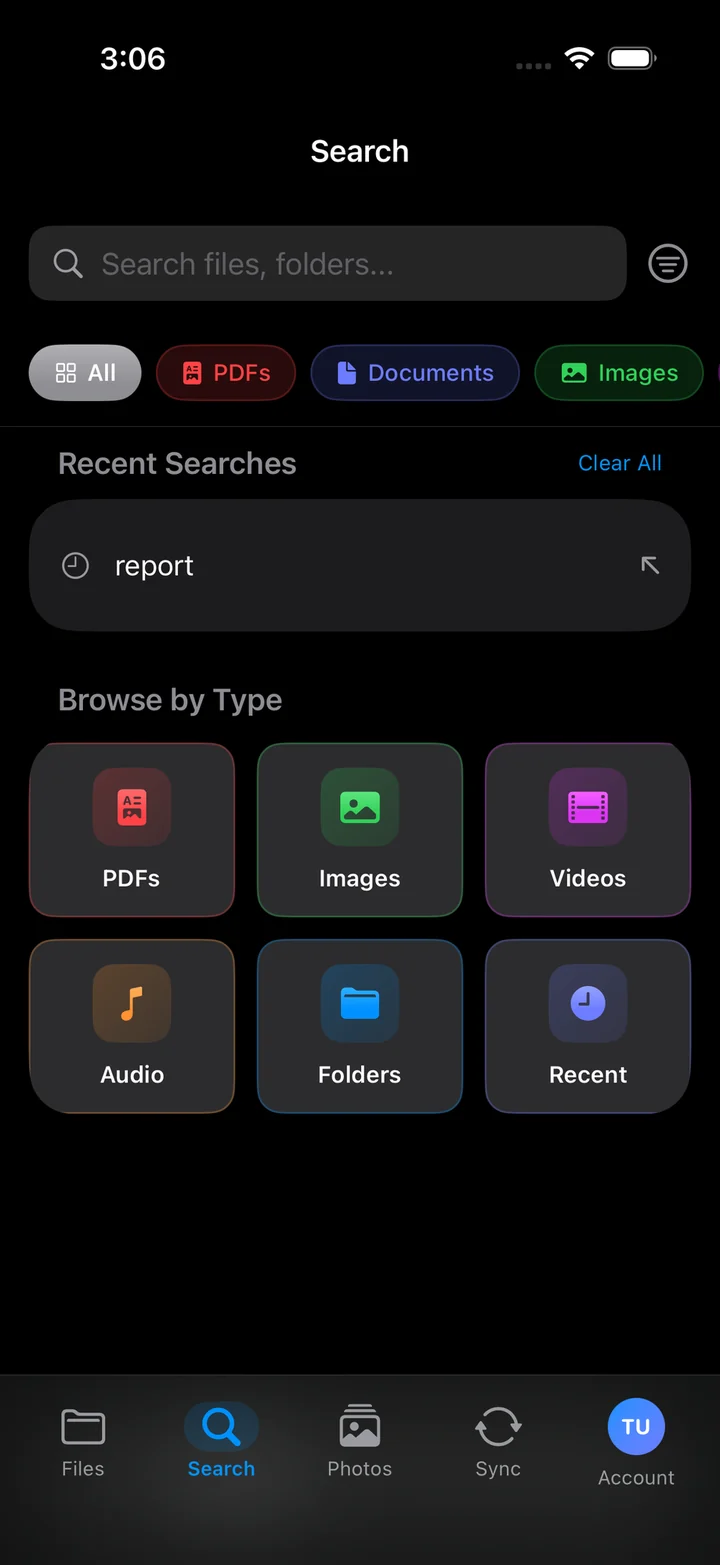
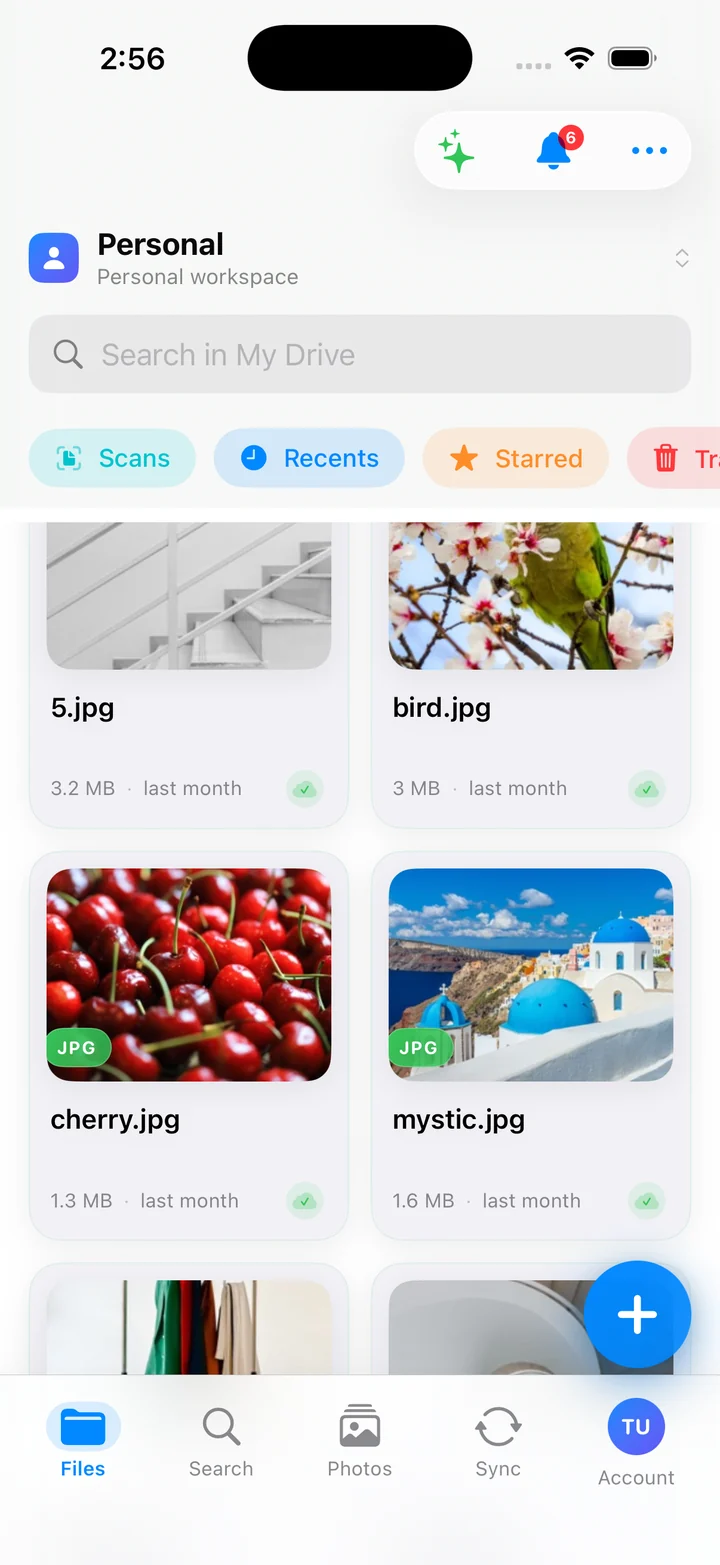
Home Screen widget
See your free space, sync status and latest files right on your Home Screen, without opening the app.
- Storage at a glanceFree space and % used in one ring.
- Recent filesYour latest files, one tap to open.
- One-tap SyncStart a sync right from the widget.
- Light, dark and tintedMatches your Home Screen, tinted icons included.
Available sizes
- Small
- Medium
- Large
- Lock Screen
How to add it
- 1Touch and hold an empty spot on your Home Screen until the apps jiggle.
- 2Tap Edit › Add Widget (or + on iOS 17) and search for VirtualDrive.
- 3Pick a size, tap Add Widget, then tap Done.
Simple, honest pricing
Start free. Upgrade when you need more. No hidden fees, no surprises.
Free
Perfect for personal use and getting started.
- 20 GB secure storage
- Access on all devices
- AES-256 encryption
- File sharing with links
Pro
or $79.99 a year
The sweet spot for power users and freelancers.
- 2 TB secure storage
- Access on all devices
- AES-256 encryption
- Password-protected & expiring share links
- Folder collaboration & workspaces
Ultra
or $159.99 a year
Maximum storage with the full feature set.
- 5 TB secure storage
- Access on all devices
- AES-256 encryption
- Password-protected & expiring share links
- Folder collaboration & workspaces
In the iOS app, Pro costs $12.99/mo instead of $9.99/mo (US prices) because Apple charges a fee on in-app purchases. Same storage, same features.
Prices shown are billed monthly or yearly via credit card or PayPal. All paid plans auto-renew until cancelled — manage anytime in your account settings (web) or Apple ID → Subscriptions (iOS).
Cheaper per GB than Dropbox
Same files. Lower price. Better privacy.
| Feature | VirtualDrive | Dropbox |
|---|---|---|
Free tier | 20 GB | 2 GB |
Cheapest paid plan | $9.99/mo — 2 TB | $11.99/mo — 2 TB |
Uses files to train AI | No, never | Opt-out only (Dropbox AI features) |
Password-protected share links | Yes, every plan | Paid plans only |
Audit logs | Yes, every plan | Business plans only |
Free trial of paid plan | Not needed — free plan included | 30-day trial |
Prices and features as of 2026-05-22. Sources: Dropbox pricing page.
Dropbox alternative — full comparisonHow we build it, in plain English

Cloud storage for creators: a simple workflow from shoot to archive
Raw footage fills your phone, editors need files today and brands want drafts they can't download. Here is a five-step workflow for keeping originals safe and sharing work cleanly, and what VirtualDrive can and can't do for it.
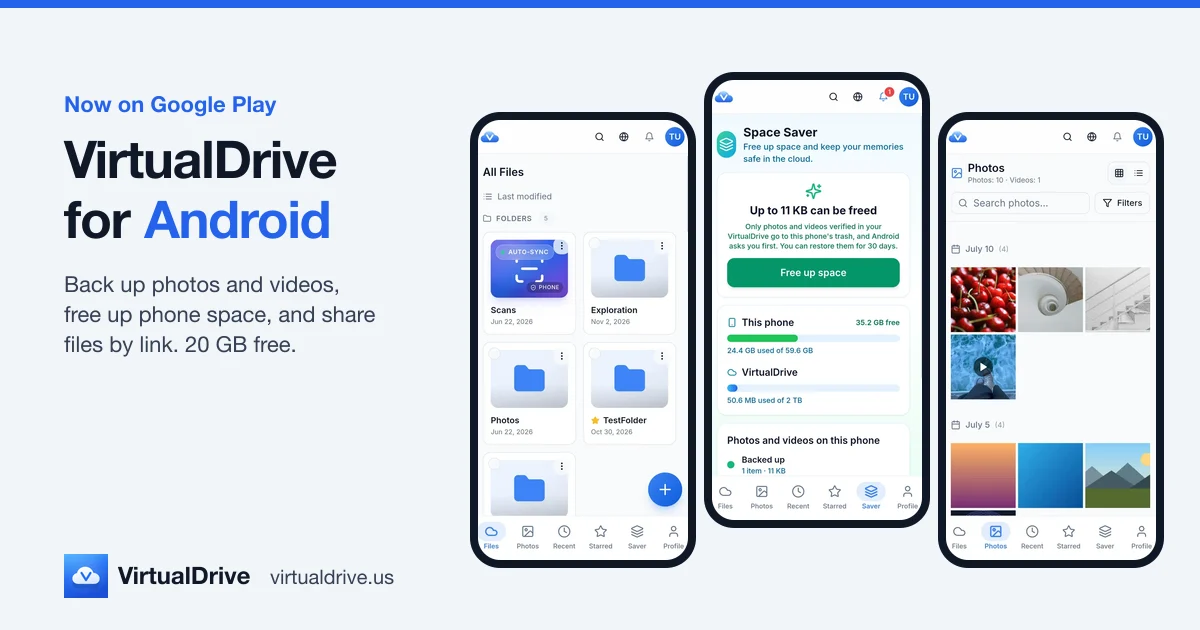
VirtualDrive for Android: Camera Backup, Space Saver and 20 GB free
VirtualDrive is on Google Play. Camera Backup uploads your photos and videos in the background, Space Saver clears them off the phone once they're safely backed up, and your files, share links and offline copies come with you. 20 GB free.

How to Send Large Files in 2026 (and What to Use Instead of WeTransfer)
Email caps out at 25 MB and one-off transfer sites expire your links in days. Here's how to send big files properly in 2026 — with links you control: passwords, expiry you choose, and no re-uploading.
Common questions
Direct answers. No marketing fluff.
How much free storage do I get with VirtualDrive?
How does VirtualDrive compare to Dropbox, Google Drive, or iCloud?
Is VirtualDrive secure?
Will my files be used to train AI?
Do you offer refunds?
Start with 20 GB. Free.
Encrypted, ad-free, and never used to train AI. Sign up in 20 seconds — no credit card.
20 GB free · No credit card · Cancel anytime
